
Re:Form runs entirely in your browser — there is nothing to download or install. Everything starts at reformsculpt.com/app.
Create an account
Open the app and you'll land on the sign-in screen.
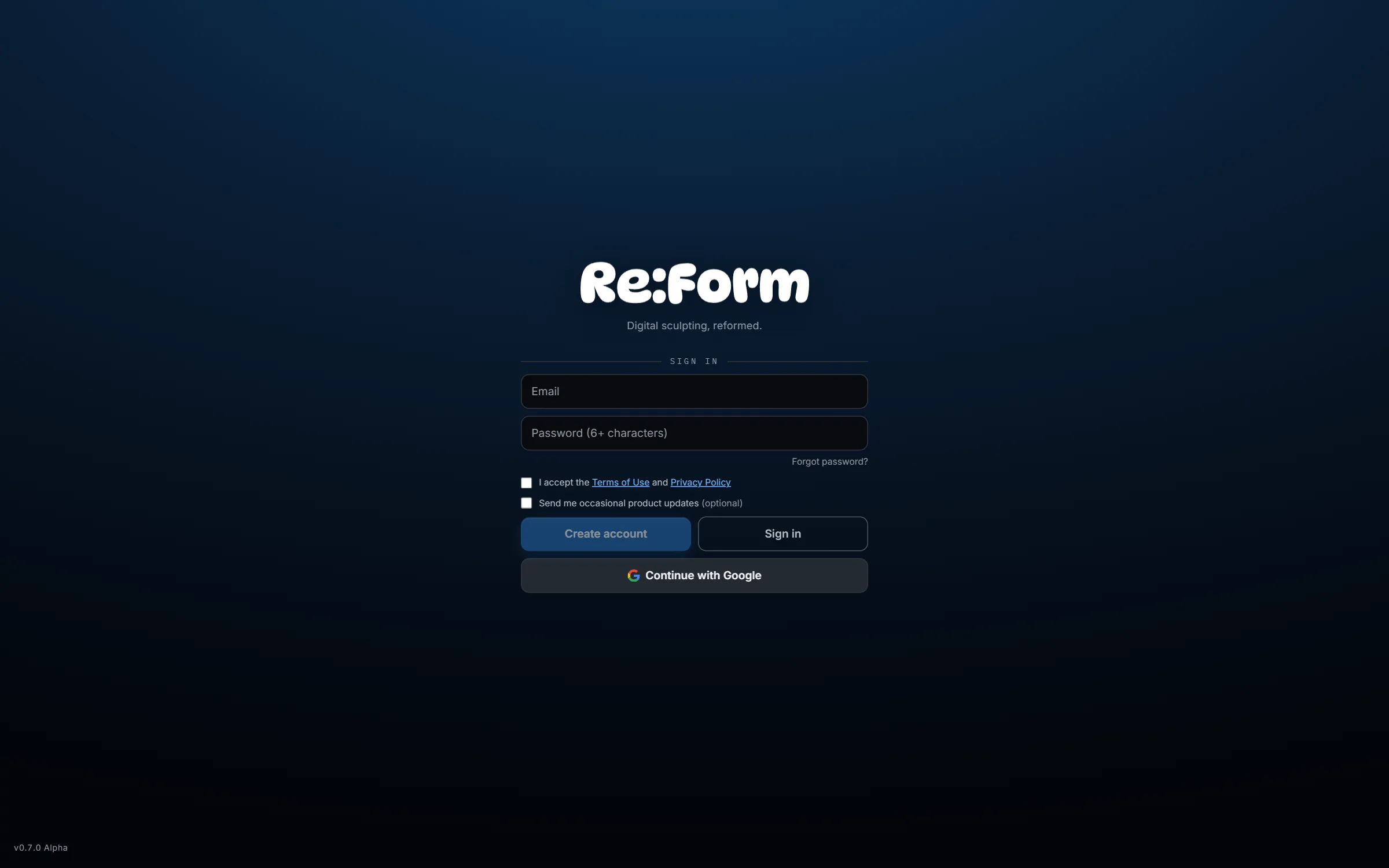
You have two ways in:
- Email and password — enter an email, choose a password of six or more characters, tick the Terms of Use and Privacy Policy checkbox, and press Create account. If you already have an account, the same fields plus Sign in get you back in.
- Continue with Google — one click, using a Google account.
The product-updates checkbox is optional; leave it unticked if you'd rather not hear from us.
Forgot your password? The Forgot password? link under the password field sends a reset email.
Pick a starting point
Once you're signed in, the start screen becomes a project browser.
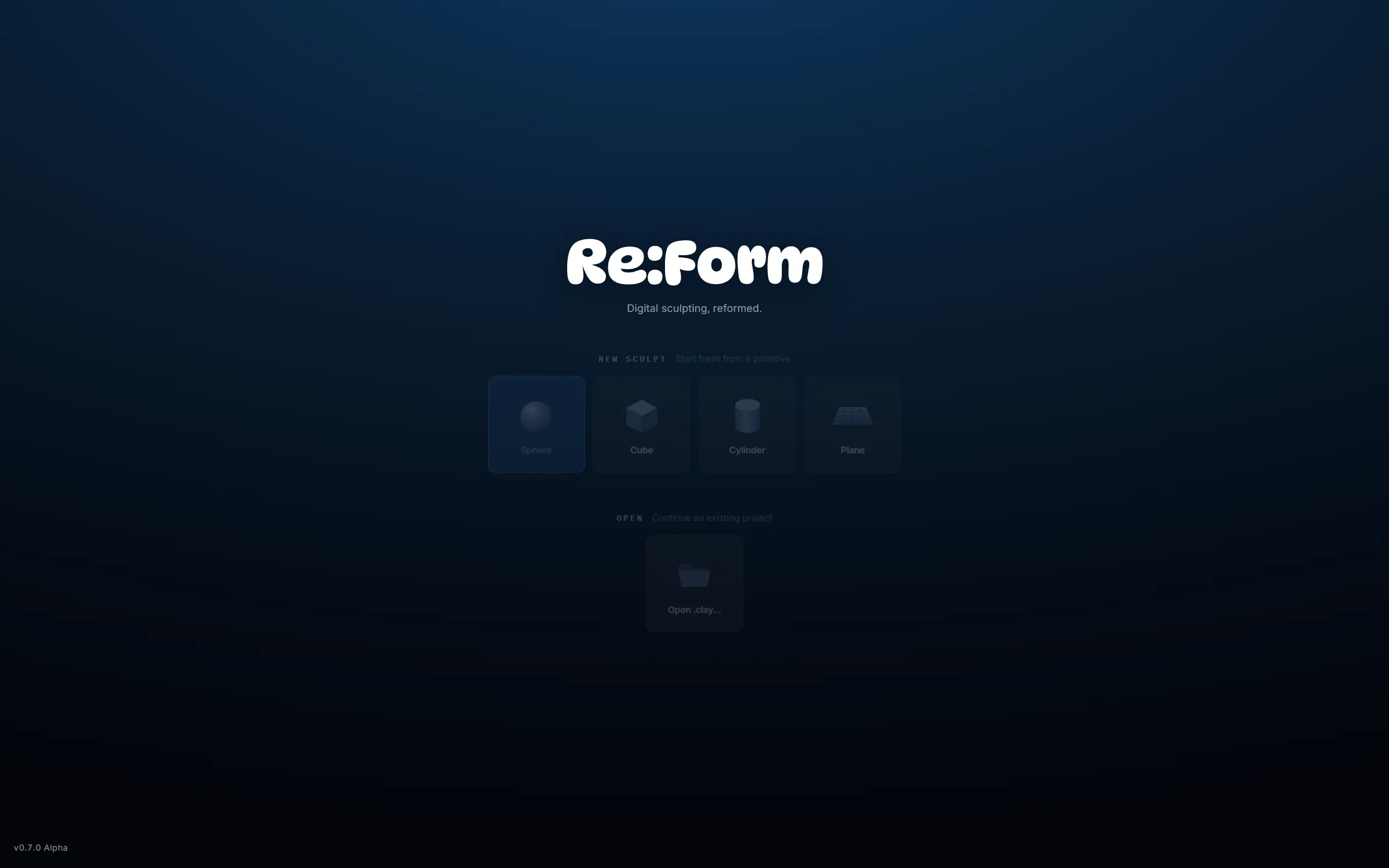
- New sculpt — start from a Sphere, Cube, Cylinder or Plane, or a ready-made Head or Ear base mesh. The sphere is the classic choice for organic forms; the Head skips straight to the likeness.
- Open — the projects you saved with your account, from any device you signed in on.
- Autosaves — Re:Form keeps dated snapshots in your browser as you work, so recent sessions are waiting here.
Click the sphere and you're sculpting. The studio tour walks through what you're looking at next.
Free and Pro
Every account starts on the Free plan: the complete toolset — every brush, layers, masking, symmetry, remeshing, painting — with a budget of 4 million triangles, OBJ import/export, and personal, non-commercial use. Your models are never watermarked, and no card is required.
Pro ($9.99/month or $99/year) raises the budget to the full 80 million triangles, unlocks STL, GLB and FBX import/export, 4096 px and 8K renders, and your own watermark (or none), and adds a commercial license. See pricing for the full comparison. Nothing about how the brushes feel or how good your sculpt can look is ever gated.