
A sculpt can only hold as much detail as its mesh has triangles. Subdivision is how you buy more — and like any budget, the skill is in when you spend it.
What Subdivide does
Subdivide ↑ in the Topology section splits every quad of the mesh into four — quadrupling the triangle count and smoothing the surface as it refines. A new sphere starts at 49,152 triangles; one press makes ~197 thousand, then ~786 thousand, ~3.1 million, ~12.6 million, and 50.3 million at the top of the ladder.
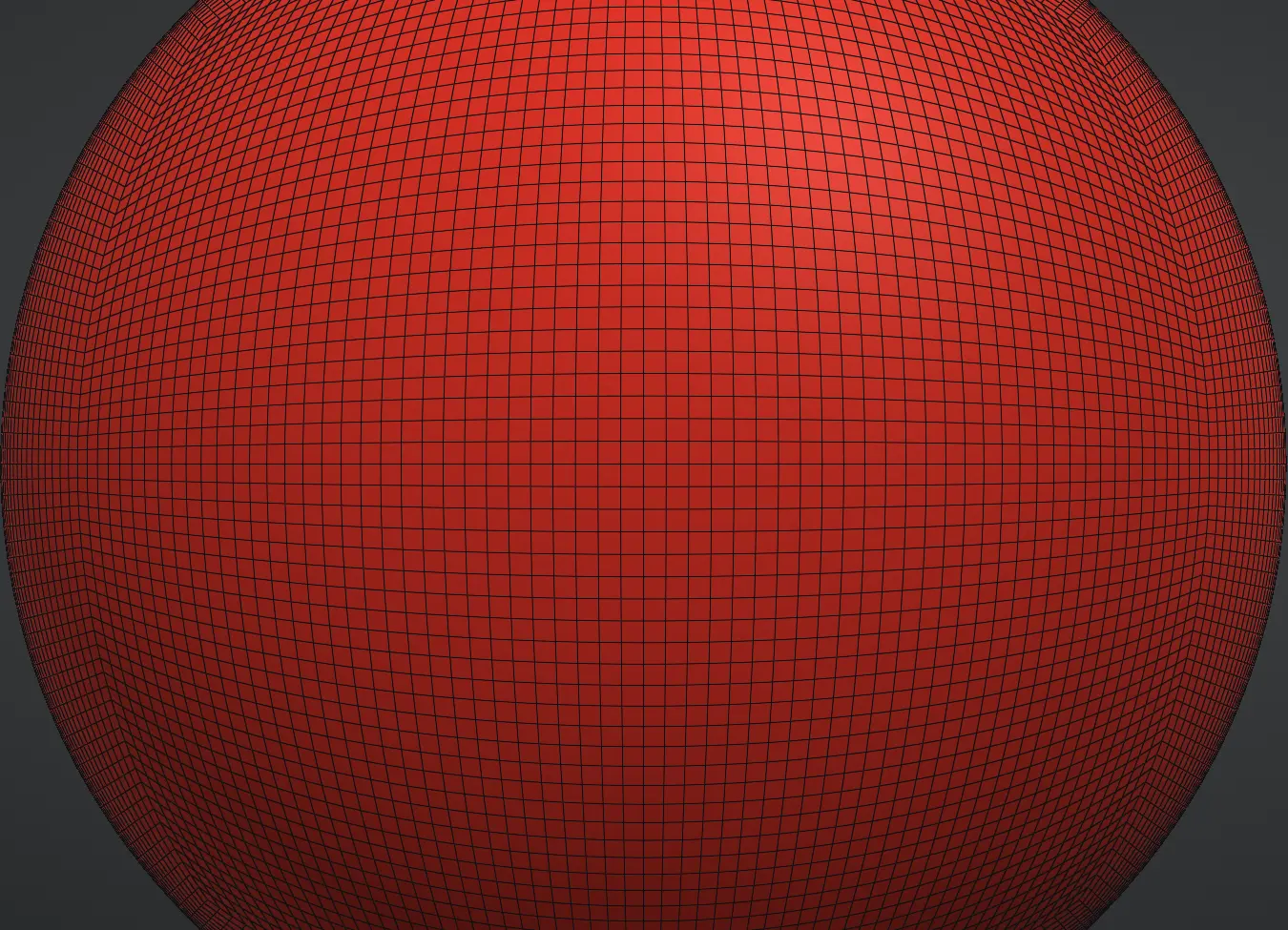
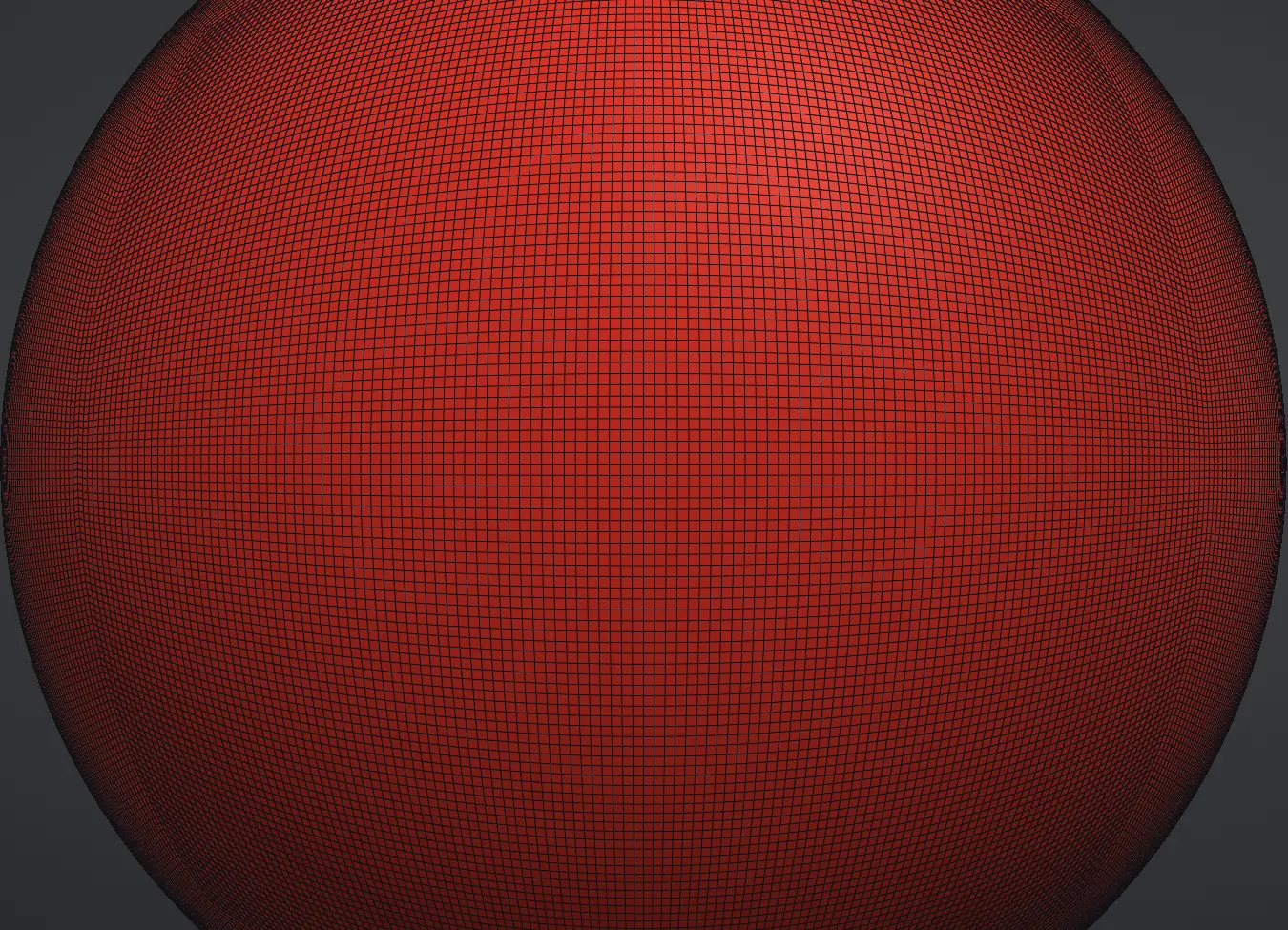
Subdivide ↓ steps back down to the coarser level, all the way to the base if you like, and the Level readout shows where you are. The finer levels are kept: step down, change the big forms, step back up, and every finer level comes back with its detail intact, following the new forms — the detail is stored relative to the surface, so a region you bend or pose at a low level carries its fine work with it. Paint and masks come along too, and a broad colour laid at a low level shows through at the higher levels without wiping the fine paint. The Stored levels readout shows the memory those kept levels take (system memory, never the graphics card), and Delete higher levels frees it when you are done with them. Delete lower levels does the opposite: it makes the level you are on the base (Level 0) and removes the levels below it, so Subdivide ↓ stops there; the levels above are kept. It asks first, because it cannot be undone. Operations that change the mesh's topology — Remesh, Weld, a Clip cut, merges and splits — ask first when kept levels sit above the current one, because they cannot survive a new topology.
A painted mask rides along through every subdivide, including the one that follows a Remesh: the inherited vertices keep their weights and every new vertex takes the average of the vertices it was made from, so a masked region stays a solid region one level up.
When to go up
Go up a level when strokes start looking faceted — when the mesh can't express the detail your brush is asking for. Not before. Working a level too high costs speed and, worse, invites noodly micro-detail before the big forms are settled.
The classic ladder:
- Base level — silhouette and proportion. Grab, Clay, the Move tool. Big decisions.
- One or two levels up — secondary forms: muscle groups, facial planes, major folds.
- High levels — surface detail: pores, cracks, stitching, texture. By now the form underneath is done.
Big proportion changes are better made at a LOW level, even late in a sculpt — press Subdivide ↓ a couple of times, move the form with Grab, then Subdivide ↑ back. Coarse levels move big masses cleanly.
The budget
The Free plan subdivides up to 4 million triangles — three levels above the base sphere. Pro raises the ceiling to 80 million, for when you want pore-level detail across a whole figure. The default sphere's subdivision ladder tops out at about 50 million; higher counts come from remeshed or imported meshes, and above 50 million the app asks you to confirm first, because how well it runs depends on your graphics card. Either way the mesh lives GPU-resident, which is why brush strokes stay interactive at counts like these.
Remember that every layer carries its own mesh — a scene of several subdivided layers adds up fast, so spend levels where the viewer will look.
Subdivision's limit
Subdividing refines the grid you already have — it never re-arranges it. After heavy stretching (long Grab pulls, big inflates), triangles end up stretched and uneven, and no amount of subdividing fixes their flow. That's the job of Remesh.
Live Topology
Live in the Topology section is another way to get detail: instead of subdividing the whole model, the mesh adds triangles only where you sculpt.
- Press Live: Off to switch it on. It needs a closed mesh of up to 6 million triangles (4 million on the Free plan) with a single subdivision level; if the layer has levels above or below, use Delete higher levels or Delete lower levels first.
- Sculpt as usual. Draw, Inflate and the other building brushes add triangles under the stroke; Smooth and Relax take them away. Clay, Draw Sharp, Crease, Fissure, Grab and the mask brushes sculpt without changing the triangles.
- Detail sets how fine the triangles get: left for finer, right for coarser. The triangle and vertex counts at the top of the viewport follow as you work.
- Mask, paint and Mesh Sets stay with the surface. Saving, autosave, export, Share and rendering all work while Live is on.
- Most other tools (Remesh, Subdivide, the gizmo, layers, Clip, Extract) switch Live off first and then run as usual. Press Live: On to switch it off yourself; the shape does not change.
- Undo and redo work on Live strokes, triangles included. Switching Live on or off starts a new undo history.
- Quads stay quads in Wire: only the triangles a stroke actually changes show as triangles, and that is kept when you save and reopen.
- Subdivide ↑ after Live keeps the quads as quads and smooths the new level; Subdivide ↓ steps back down. These levels keep their detail through a layer switch and a save and reopen, as all subdivision levels do.