
The Build and Lines groups, plus the two Fissures in Detail, are where mass comes from — brushes that raise, press, cut and gather the surface. (Grab also lives in Build; see Grab & transforms.) Hold Ctrl with any of them to invert: builders carve, cutters raise, Pinch spreads.
Draw
Draw raises the surface outward along its own normal — the general-purpose "add material here" brush, soft and round by default. It's the brush most sculpts are mostly made of.
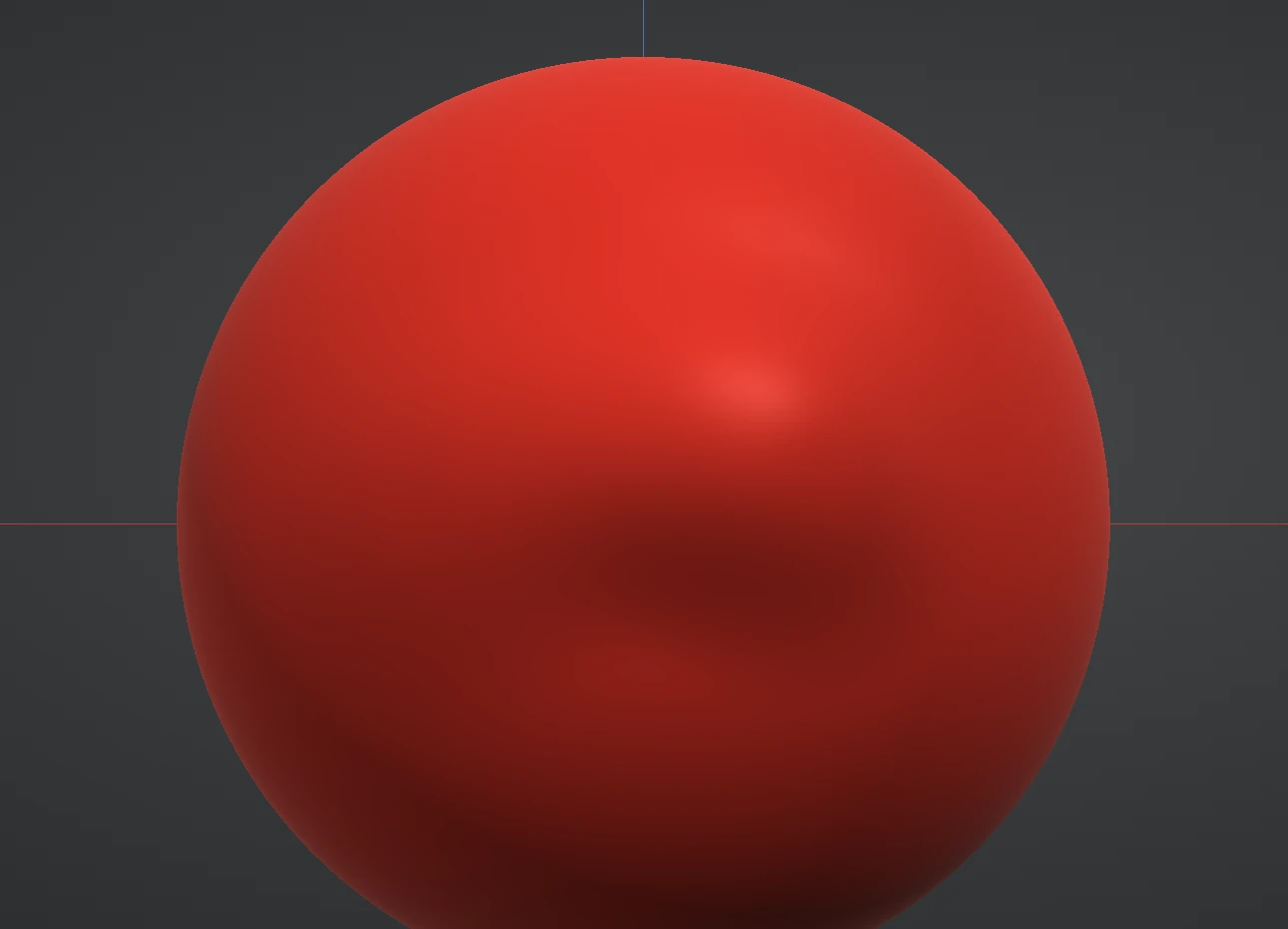
Draw Sharp & Carve
Carve cuts one sharp groove along your stroke: it's the Rake with a single tooth, a little over half as wide as the brush ring. The groove follows a smoothed direction of your stroke, so it flows around curves without kinks, and going over it again cuts it deeper. Hold Ctrl to raise a sharp ridge instead.
Draw Sharp raises a crisp V-crested seam for fine sharp detail, hair lines and stitching. The Falloff slider shapes its walls: at 0 they are a straight V, dragging left opens them into a rounded U, and dragging right curves them in to a sharper cusp. Hold Ctrl to cut it in.
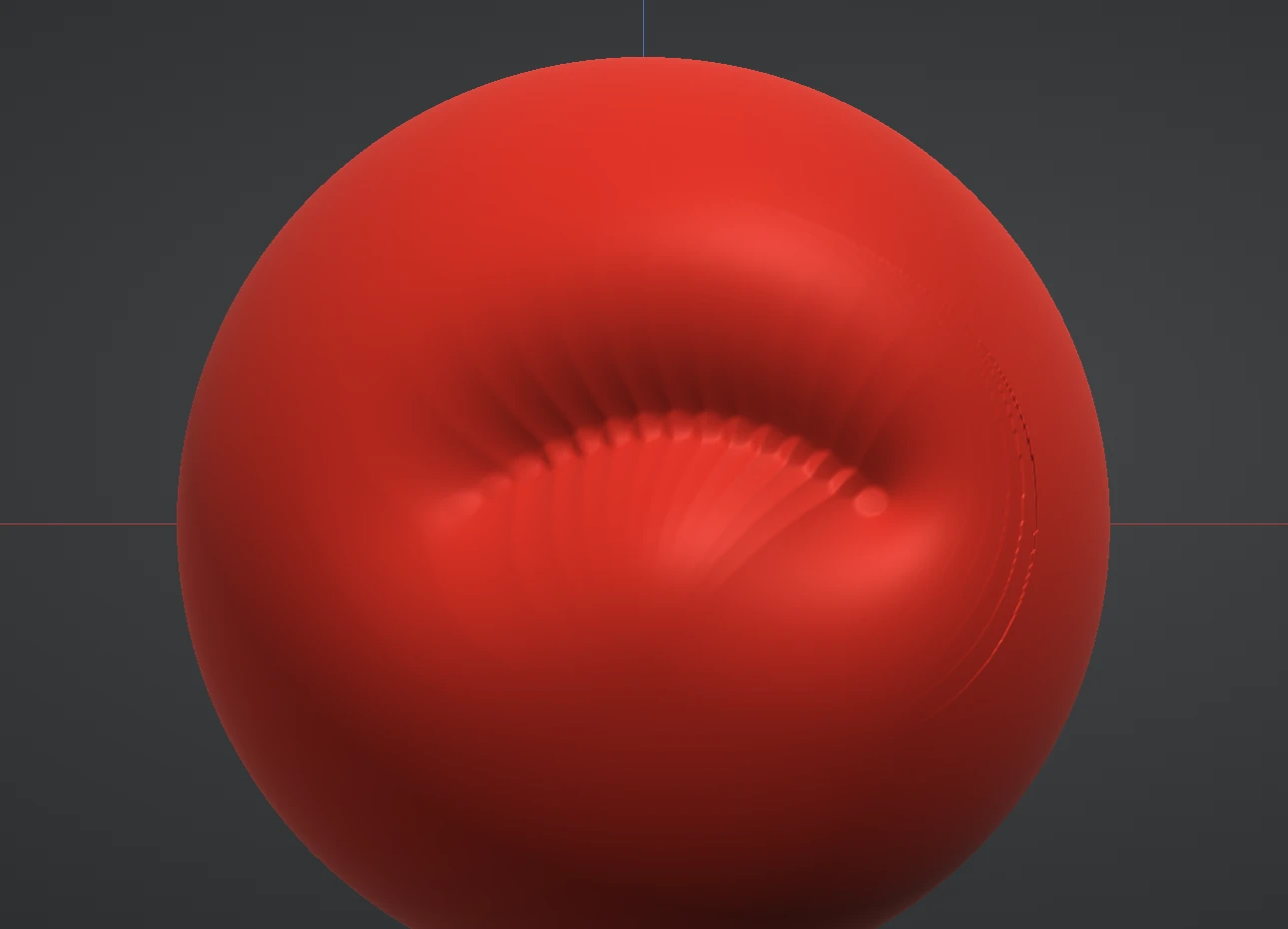
Clay
Clay lays flat-topped slabs of clay. Each dab builds toward a flat level set just above the surface under the brush: hollows fill up to that level, and everything else under the brush — a ridge or a brow included — rises by the pad's thickness, so the whole footprint builds and levels as it goes. Where strokes overlap they blend into one level, and going over an area again with a new stroke lays another slab on top. It's the workhorse for blocking form. Hold Ctrl to dig instead.
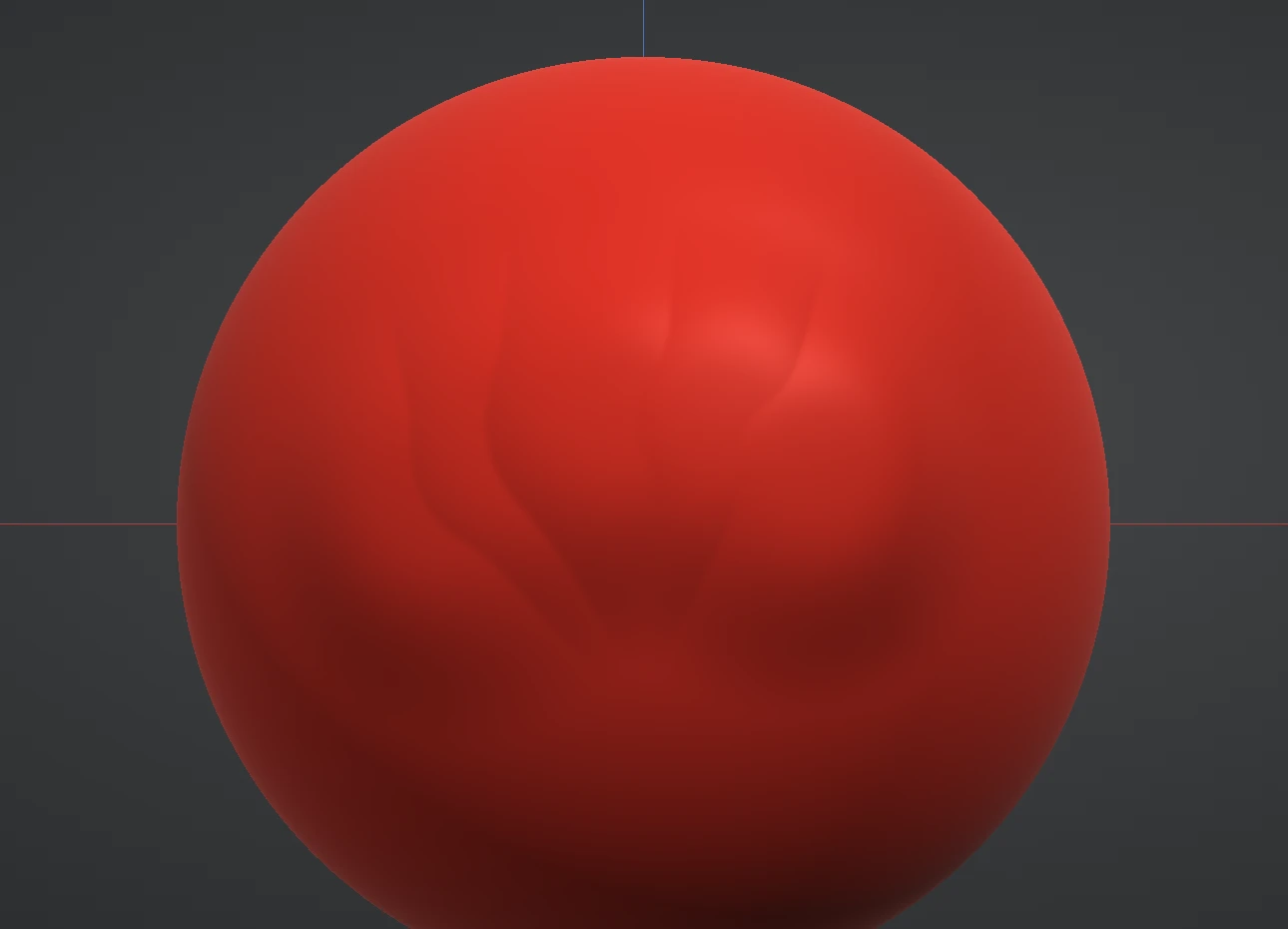
Inflate & Crease
Inflate pushes vertices out along their own normals — forms fatten evenly in every direction, ideal for filling out limbs, cheeks and pillowy shapes. Inverted, it deflates.
Crease cuts a sharp V-section line, the Draw Sharp seam cut in, and pinches its sides in toward the line as it goes, so the valley tightens as it is cut — the definitive brush for fold lines, seams between forms, and anywhere two masses meet. Hold Ctrl to raise a pinched ridge instead.
Fissure 01 & Fissure 02
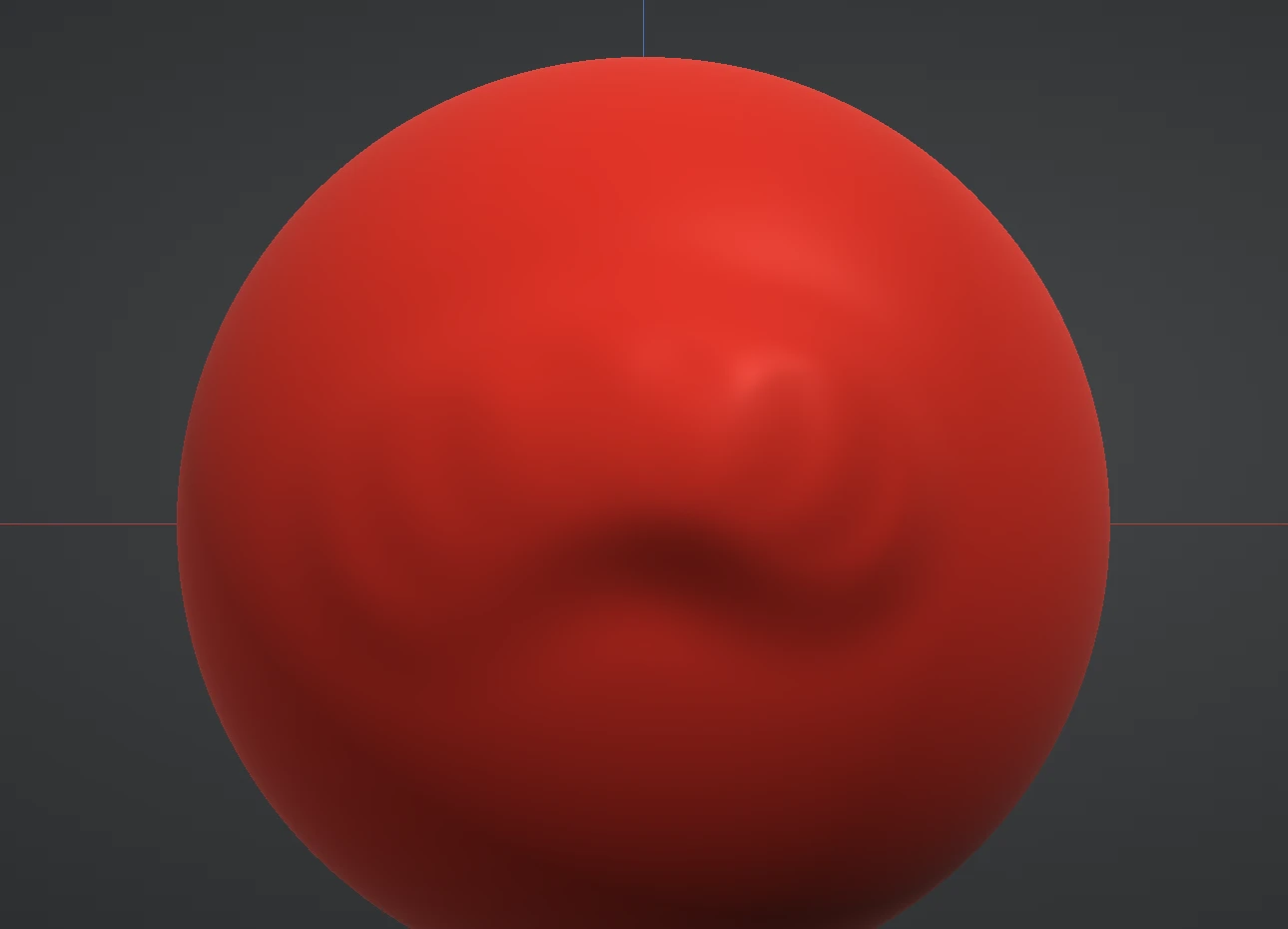
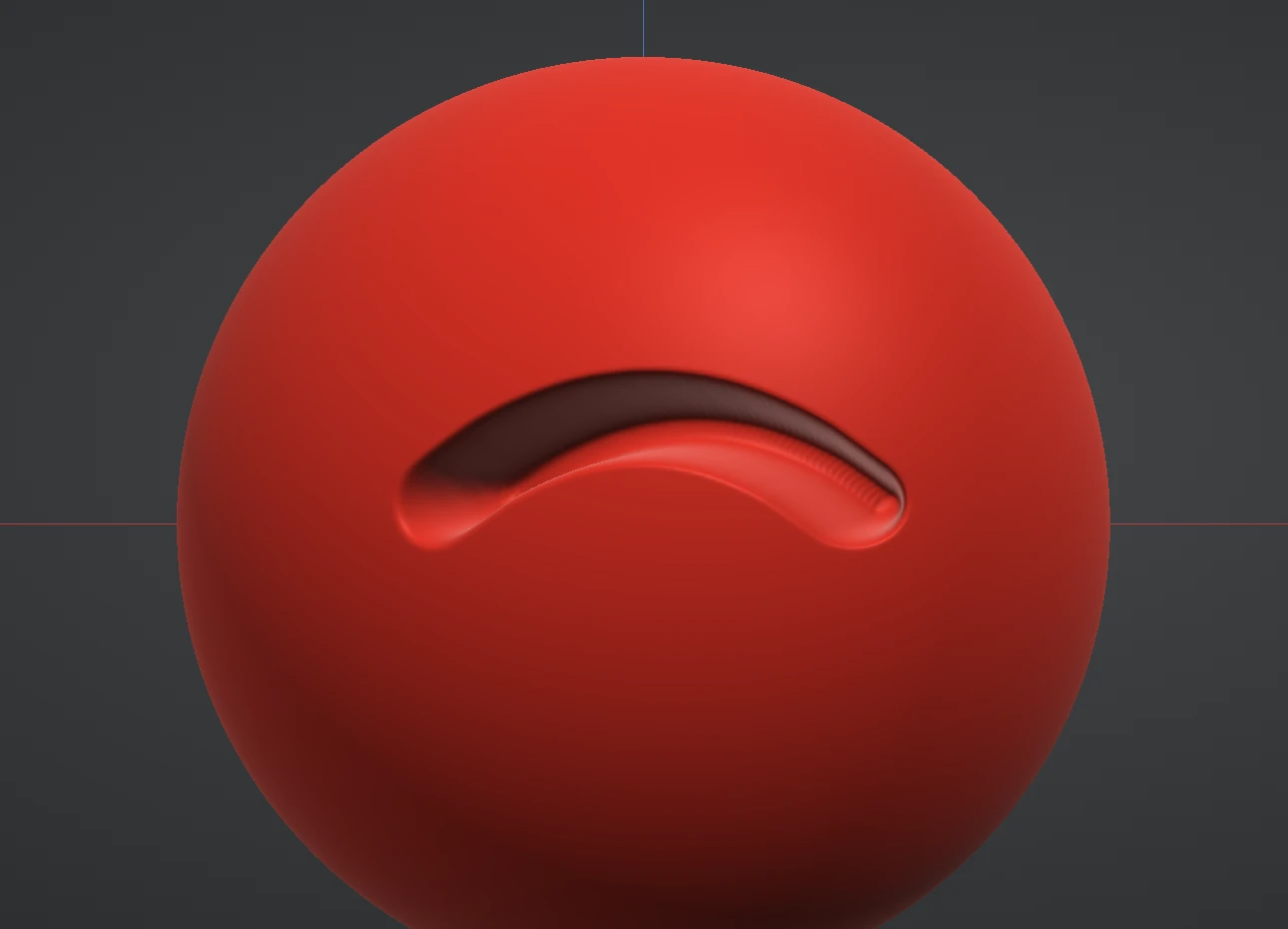
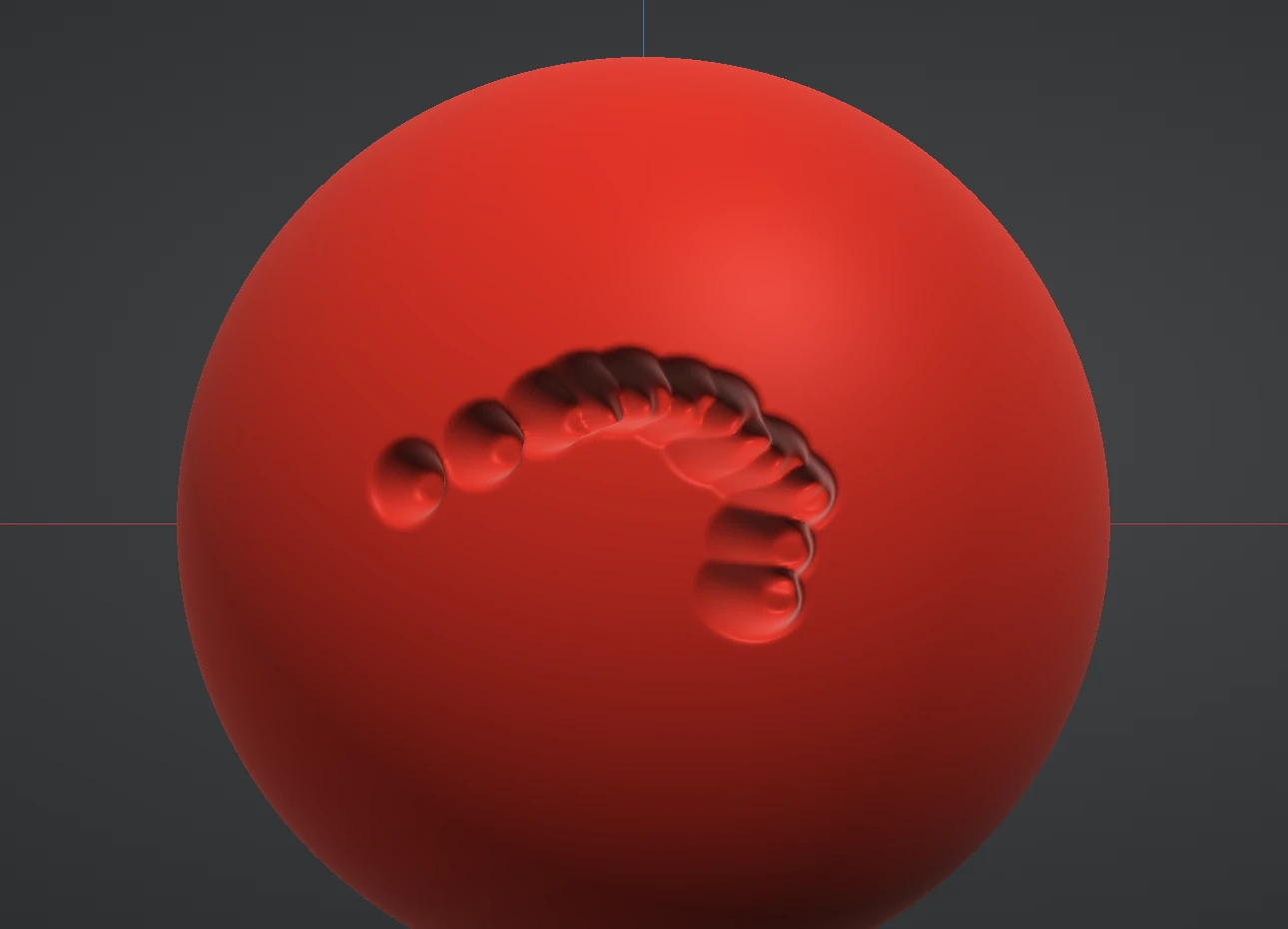
The fissure pair cuts crack lines. Fissure 01 slices a smooth, clean V-cut — strokes blend into one continuous cut, and a new stroke slices into the last, so cracks join up the way real ones do. Fissure 02 is its wilder sibling: a wandering, hand-drawn crack with kinks, for stylised stone and wood wear. The Jitter slider sets how wildly it wanders. Both raise a thin seam when inverted.
Pinch
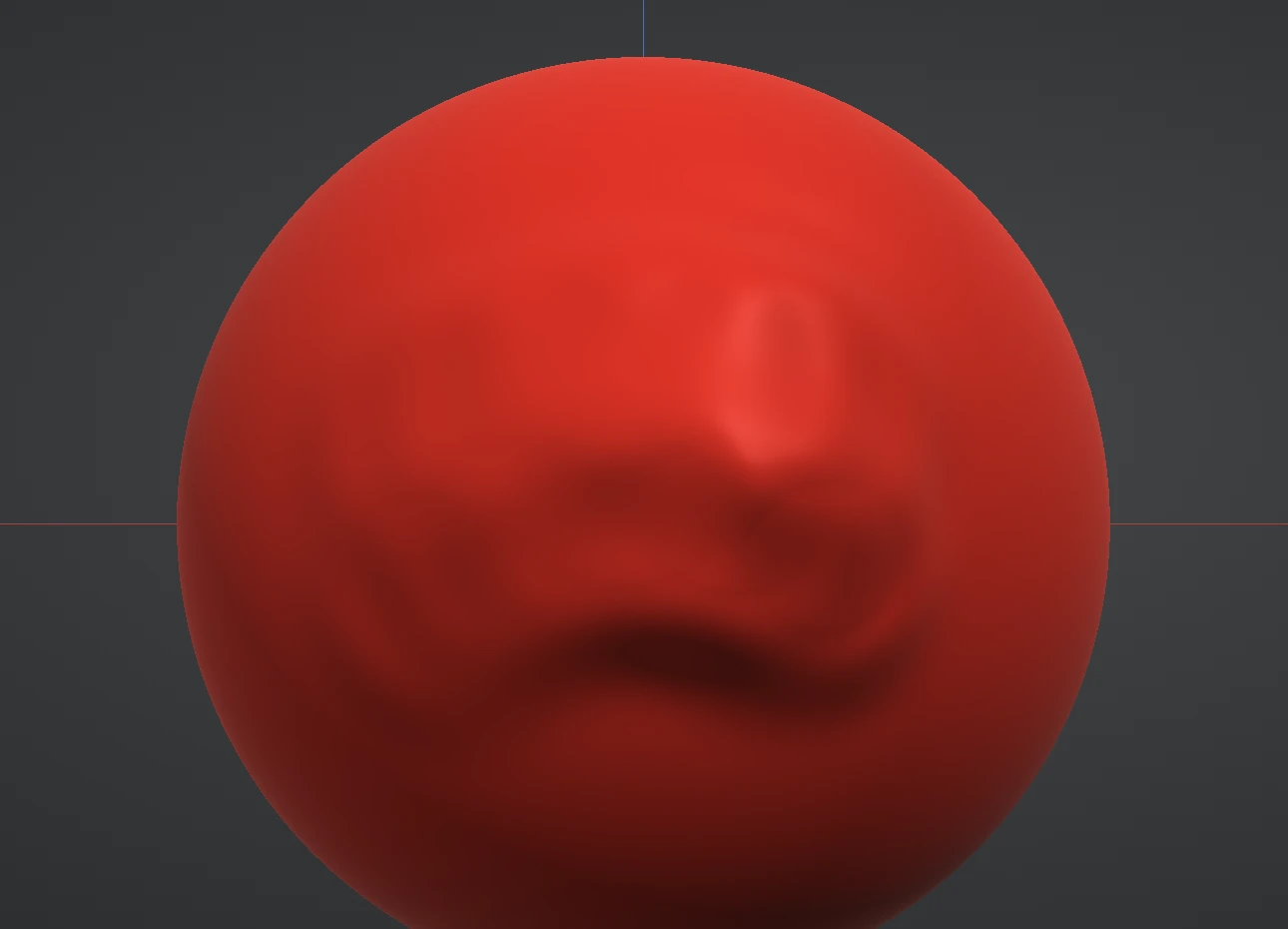
Pinch gathers the surface in toward the stroke line from both sides, tightening edges and creases without raising or sinking them. Its classic use is sharpening: run Crease to cut a fold, then Pinch along the same line to draw it tight. Hold Ctrl to spread the surface apart instead.
Next: the Surface brushes that refine what these built.