
These brushes — Smooth, Relax and Polish from the Smooth and mask group, Noise and Rake from Detail — don't add or remove mass; they change surface quality: calming it, crisping it, or texturing it. On a new sphere or box, Smooth and Relax are exactly symmetric under Symmetry X.
Smooth
Smooth relaxes bumps and noise toward the surrounding surface. It's so central that it has a permanent shortcut: hold Shift with any brush active and you're smoothing. Smooth starts at full Strength, so a pass evens things out quickly; lower it when you only want to soften detail gently rather than erase it.
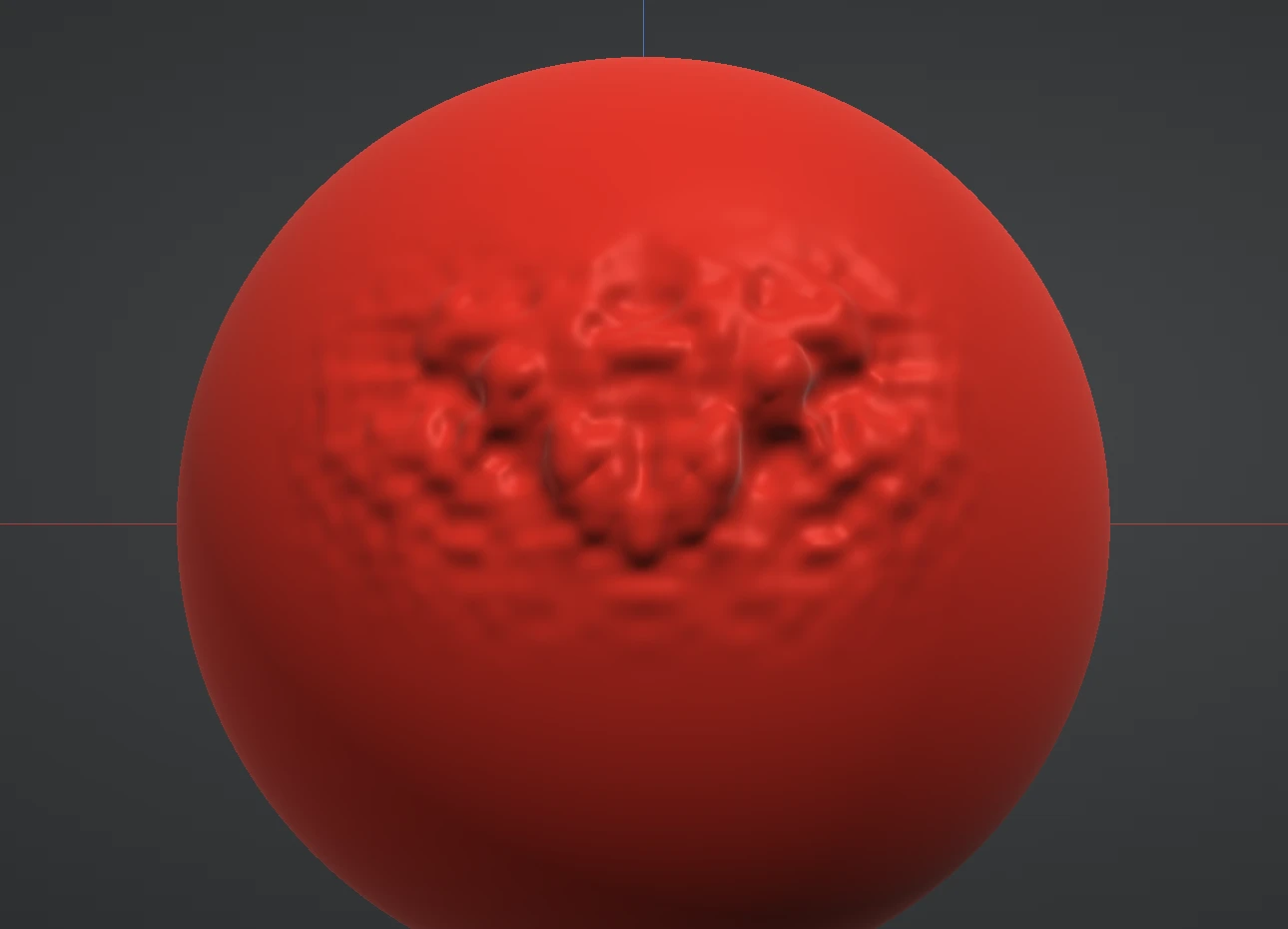
Relax
Relax looks like Smooth but has a different job: it evens out the triangle flow and smooths away pinch points (small spikes and dents where vertices bunch up) with almost no change to the overall shape — it never shrinks the form the way Smooth does. After heavy pushing and pulling, triangles get stretched and cramped; Relax redistributes them so later strokes behave evenly again. Use it when the surface starts responding unevenly but you don't want to lose the shape — and when the whole mesh needs it, that's Remesh.
Polish
Polish skims off small bumps and noise while preserving the big forms underneath — closer to fine sanding than to Smooth's general softening. It's the pass that makes hard-surface planes read clean.
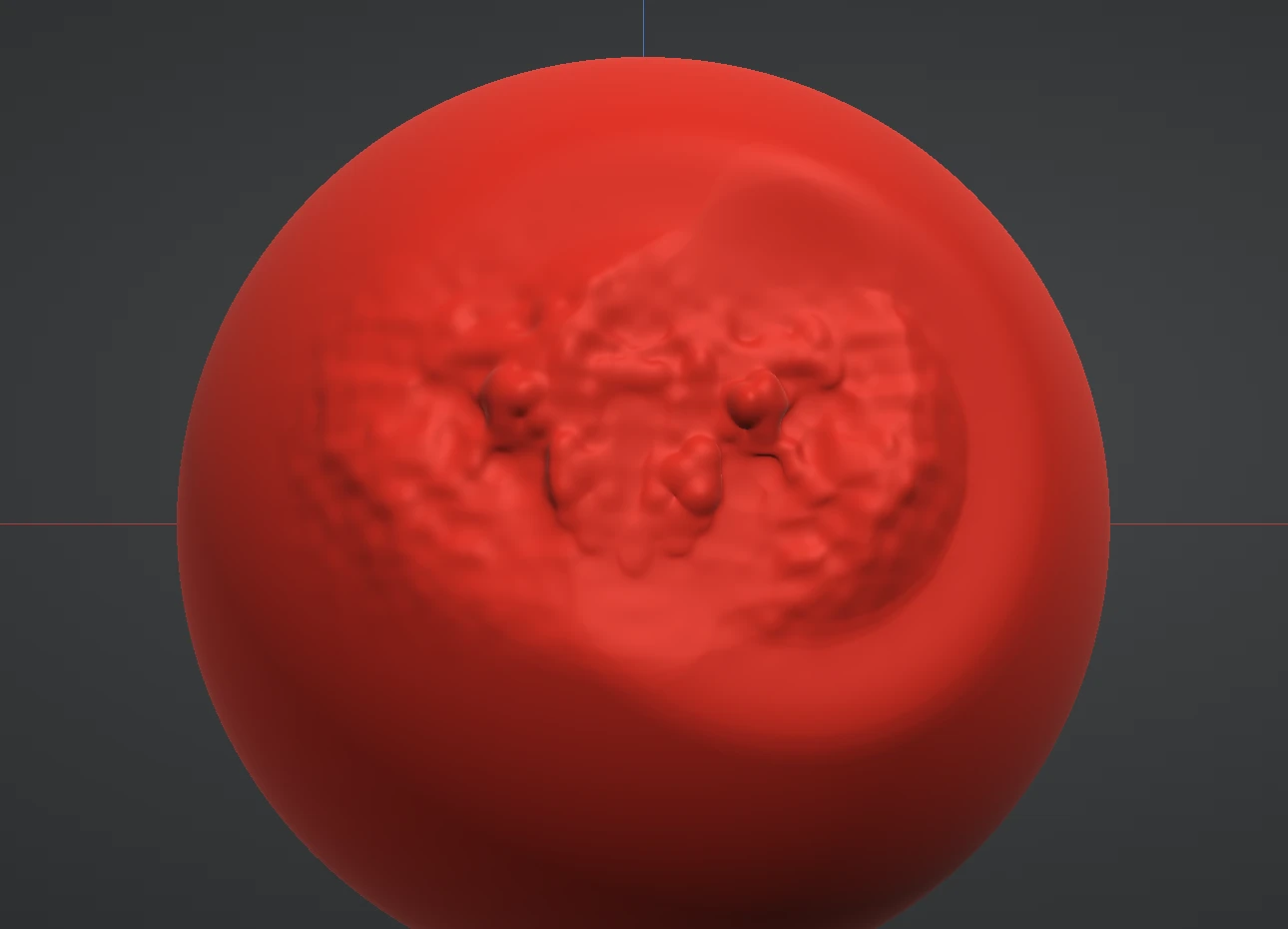
Noise
Noise sprinkles organic bumpy grain across the surface — rough skin, weathered stone, orange peel. Inverted, it presses the same pattern inward. Vary the brush size between passes: large-scale noise under small-scale noise reads far more natural than one frequency alone.
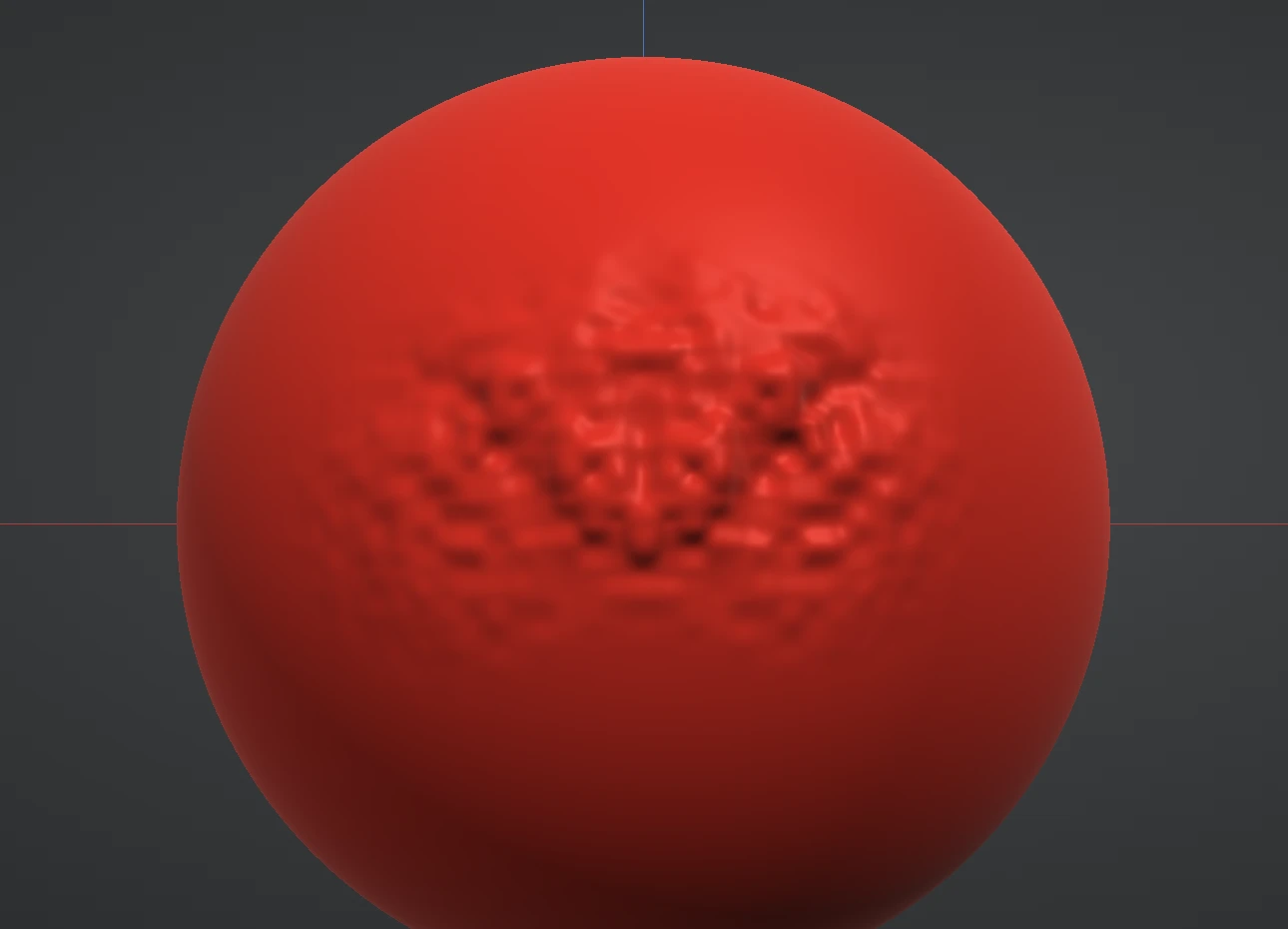
Rake
Rake drags a comb across the surface, leaving parallel tooth ridges that follow your stroke — the marks a toothed metal rake leaves in real clay. It's built for tooling marks, hair flow, bark and fur. Inverted, the comb cuts in as grooves.
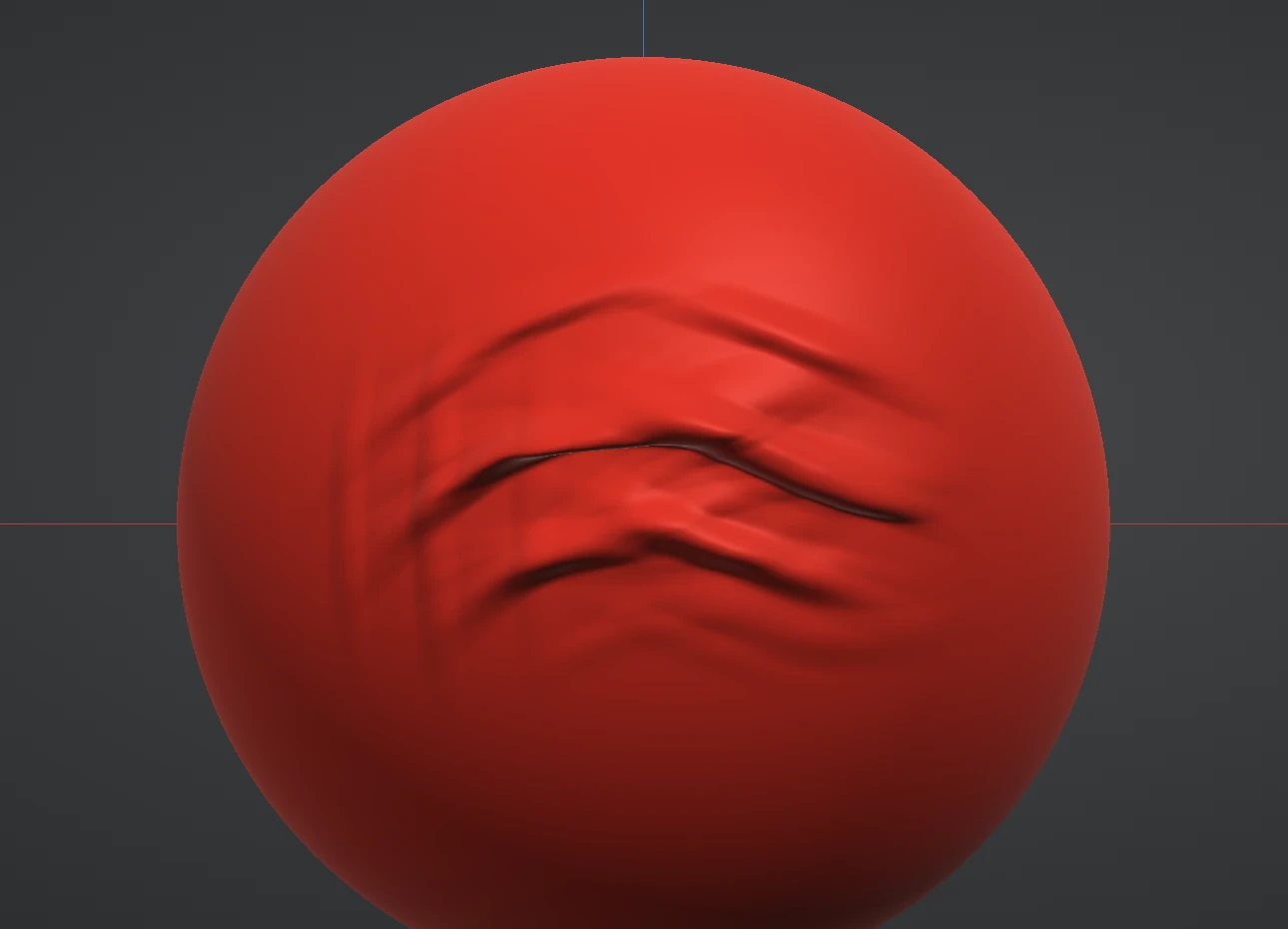
Surface brushes need resolution to work with — polishing or raking a coarse mesh just moves its few triangles around. If the result looks faceted, subdivide first.
Next: the Plane brushes.